

Nonprofit IT support best practices are defined as the documented, repeatable processes that keep your technology secure, your staff productive, and your mission funded. Most nonprofit leaders treat IT as a cost center rather than a governance function. That framing creates real risk: unpatched systems, lost donor data, and staff who work around broken tools instead of reporting them. The frameworks covered here draw on NIST guidance, IT service management principles, and practical experience with mission-driven organizations. Apply them in sequence and you will see measurable improvements in security, efficiency, and staff confidence.
1. Start with a full technology audit
A technology audit is the foundation of every effective IT strategy for nonprofits. You cannot protect or improve what you have not mapped. Document every device, software license, cloud service, and data source your organization uses. Include who owns each item, what it costs, and when it renews.
The audit reveals shadow IT, expired licenses, and redundant tools that drain budget. Most nonprofits discover at least one critical system with no assigned owner after completing this step.

2. Write concise, living IT policies
Effective nonprofit IT policies should be 2–4 pages long and reviewed at least once annually. Policies that run 20 pages get ignored. Policies that are reviewed regularly stay accurate and enforceable.
Your core policy set should cover passwords, acceptable use, bring-your-own-device (BYOD), and data backup. Each policy needs a named owner, a review date, and a clear consequence for non-compliance. Leadership sign-off is not optional. Without it, staff treat policies as suggestions.
Pro Tip: Date every policy document and add the next review date to your IT calendar the same day you publish it. This single habit prevents policies from going stale.
3. Enforce strong passwords and mandatory MFA
The most impactful security policy a nonprofit can implement is a strong password policy with a minimum length of 14 characters, mandatory multi-factor authentication (MFA), and a strict rule against reusing passwords across personal and work accounts. MFA alone blocks the vast majority of credential-based attacks.
Use a password manager to reduce friction. Staff who find security tools inconvenient will find workarounds. The goal is a policy that staff can follow without thinking too hard about it.
4. Build a cybersecurity culture, not just a policy
Cybersecurity is more than software. Nonprofits that treat security as a punishment culture, where staff fear reporting mistakes, create more risk than organizations with no formal policy at all. The goal is an environment where staff report phishing attempts immediately and without embarrassment.
A low-cost cybersecurity setup can still be effective when paired with consistent behavior. Endpoint protection, patch management, and email filtering are the technical floor. Staff awareness is the ceiling that determines how well those tools actually work.
5. Embed cybersecurity training into governance routines
Staff cybersecurity training must be ongoing and embedded into governance routines, not delivered as a one-time annual event. A single training session fades within weeks. Quarterly reminders, simulated phishing tests, and brief onboarding modules keep awareness current.
Tailor training to nonprofit-specific threats: wire fraud targeting finance staff, fake grant notifications, and donor impersonation emails. Generic corporate security training misses these scenarios entirely. Greatplainsnetworking recommends reviewing why nonprofits need cybersecurity training as a starting point for building your training calendar.
Pro Tip: Run a simulated phishing test before your first formal training session. The results give you concrete, organization-specific examples that make the training far more relevant.
6. Standardize onboarding and offboarding
Standardized onboarding and offboarding checklists reduce errors and protect donor data. Every new staff member should receive system access, a device, and a security orientation on day one. Every departing staff member should have all access revoked within hours of their last day.
Offboarding failures are one of the most common causes of data exposure in nonprofits. A checklist that covers email, CRM access, cloud storage, and shared accounts closes that gap reliably.
7. Document your IT support workflows
Undocumented IT processes create single points of failure. When the one person who knows how to reset the donor database password leaves, operations stop. A shared knowledge base covering the 20 most common IT requests prevents that scenario.
Document the steps, not just the outcomes. Include screenshots where the process is visual. Store documentation in a location that does not require IT access to reach, because staff will need it precisely when IT is unavailable.
8. Maintain a vendor and renewal calendar
A vendor and renewal calendar lists every technology investment with its owner, cost, renewal date, and contract terms. Without it, nonprofits routinely pay for software they no longer use and miss renewal windows that trigger automatic price increases.
Review the calendar quarterly. Assign a named owner to each vendor relationship. That owner is responsible for evaluating whether the tool still serves its purpose before renewal.
9. Define managed service provider scope clearly
Managed IT service agreements must define responsibilities explicitly, including license renewals, CRM escalations, and asset inventories. Vague agreements create gaps where neither the nonprofit nor the provider acts. Those gaps surface at the worst possible times.
Before signing any managed services agreement, map every IT function your organization needs and confirm in writing which party owns each one. Explicitly defining ownership boundaries prevents the most common source of confusion in nonprofit IT support relationships.
10. Schedule IT system reviews at least annually
Nonprofits should review IT systems at least once every 12 months, and additionally before major organizational changes like hiring surges or adopting new platforms. An annual review catches drift: systems that were fit for purpose two years ago may now be outdated, unsupported, or misaligned with current workflows.
The review agenda should cover your core stack: email, donor management CRM, endpoint protection, patch management, and backup and disaster recovery. These critical IT systems form the operational backbone of most nonprofits and deserve structured evaluation every year.
11. Build a phased IT roadmap aligned to funding cycles
An incremental, phased IT modernization roadmap aligned with funding cycles helps leadership communicate priorities and manage risk. Trying to modernize everything at once overwhelms staff and exhausts budget. Sequencing changes over 12–24 months produces better outcomes.
Present the roadmap to your board and funders in plain language. Tie each phase to a specific risk reduction or operational improvement. Funders respond better to concrete outcomes than to technical specifications.
Key takeaways
Nonprofit IT support succeeds when it combines documented policies, layered security, clear vendor agreements, and a phased modernization plan tied to funding realities.
| Point | Details |
|---|---|
| Audit before acting | Map every device, license, and service before making any IT changes. |
| Keep policies short and current | IT policies should be 2–4 pages and reviewed annually to stay enforceable. |
| MFA is non-negotiable | Mandatory multi-factor authentication blocks most credential-based attacks at low cost. |
| Define vendor scope in writing | Managed service agreements must name the owner of every IT function to prevent gaps. |
| Phase modernization with funding | A 12–24 month IT roadmap tied to funding cycles reduces risk and improves board communication. |
What I have learned working with nonprofits on IT support
The single most overlooked gap in nonprofit IT is ownership. Not cybersecurity, not budget, not outdated hardware. Ownership. When I ask a nonprofit leader who is responsible for renewing their CRM license or escalating a backup failure, the answer is almost always a pause followed by a name that turns out to be a volunteer or a departed staff member.
Policies matter, but they only work when a named person is accountable for each one. I have seen organizations with excellent written policies and zero enforcement because no one owned the follow-through. Leadership buy-in is not a soft requirement. It is the mechanism that turns a document into actual behavior.
The other thing I would push back on is the idea that nonprofits cannot afford good IT. The real cost of poor IT is hidden in staff hours lost to workarounds, donor data exposed in breaches, and grant applications delayed by system failures. A local IT support partner who understands your mission and your budget constraints will almost always cost less than recovering from a preventable incident.
Incremental modernization works. You do not need to replace everything at once. Pick the highest-risk gap, fix it, document it, and move to the next one. That approach builds organizational confidence alongside technical resilience.
— Nicholas
Greatplainsnetworking's managed IT support for nonprofits
Nonprofits in Norman, Moore, and Oklahoma City face the same IT challenges as larger organizations but with a fraction of the internal resources. Greatplainsnetworking provides managed IT support built specifically for organizations that need reliable technology without a full-time IT department.
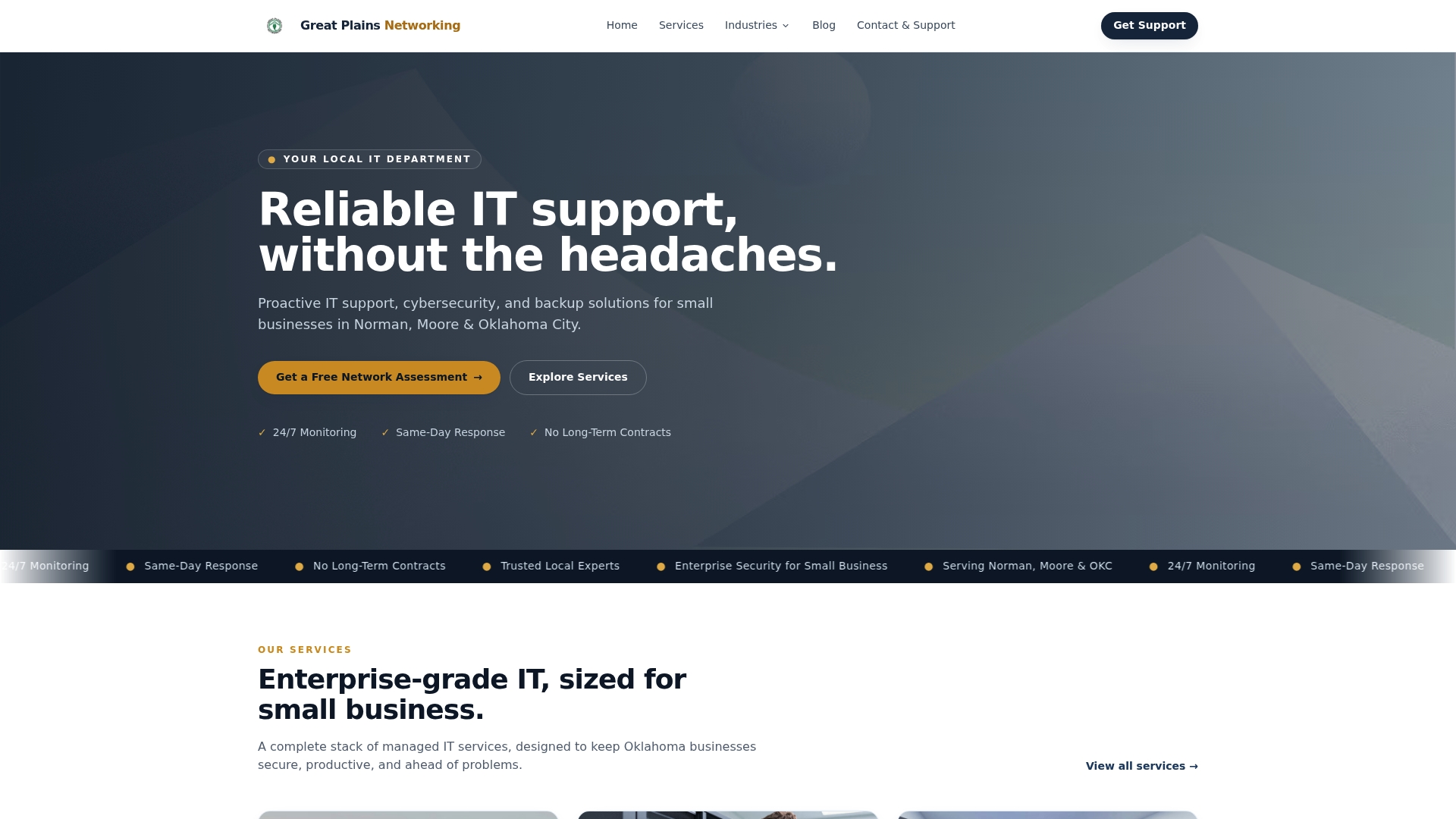
Services include 24/7 proactive monitoring, cybersecurity, backup and disaster recovery, and clear documentation of every responsibility in your agreement. There are no long-term contracts and no technical jargon. If your nonprofit needs a partner who will show up the same day and explain what is happening in plain language, Greatplainsnetworking is ready to help. Reach out to discuss a plan that fits your mission and your budget.
FAQ
What are the most important nonprofit IT support best practices?
The most critical practices are conducting a technology audit, enforcing MFA, writing concise IT policies, and defining vendor responsibilities in writing. These four steps address the most common sources of data loss and operational failure in nonprofits.
How often should a nonprofit review its IT systems?
Nonprofits should review IT systems at least once every 12 months and before any major organizational change. Regular reviews catch outdated tools, unsupported software, and misaligned workflows before they become crises.
What cybersecurity tools does a nonprofit need at minimum?
A nonprofit's minimum security stack includes endpoint protection, patch management, email filtering, and MFA on all accounts. These tools, combined with ongoing staff training, cover the most common attack vectors nonprofits face.
How should nonprofits handle IT vendor agreements?
Every managed IT agreement should explicitly name the owner of each IT function, including license renewals, escalations, and asset inventories. Vague agreements are the leading cause of gaps in nonprofit IT coverage.
Can a small nonprofit afford managed IT support?
Yes. Managed IT services scale to organization size, and the cost is typically lower than the staff hours lost to IT problems handled informally. Greatplainsnetworking offers flexible plans with no long-term contracts for nonprofits in the Oklahoma City metro area.